
Ask for the Device Purpose Receipt
As parents push back on school devices and the FCC reviews E-Rate screen-time issues, families need a practical way to ask what each school device is supposed to do for learning.
By Remix Academics Research
# Ask for the Device Purpose Receipt
Parents are not only asking whether schools use too many screens. They are asking a better question: what job is the screen supposed to do?
That question matters more this week because two things are happening at once. The Wall Street Journal reported on June 22, 2026 that more parents are organizing against school-issued devices and app-heavy classrooms. And the FCC has a June 25, 2026 open-meeting item tied to E-Rate, screen time, online safety, and whether federally supported school networks are serving educational purposes.
That does not mean every device is bad. It does mean "it is educational" is no longer enough.
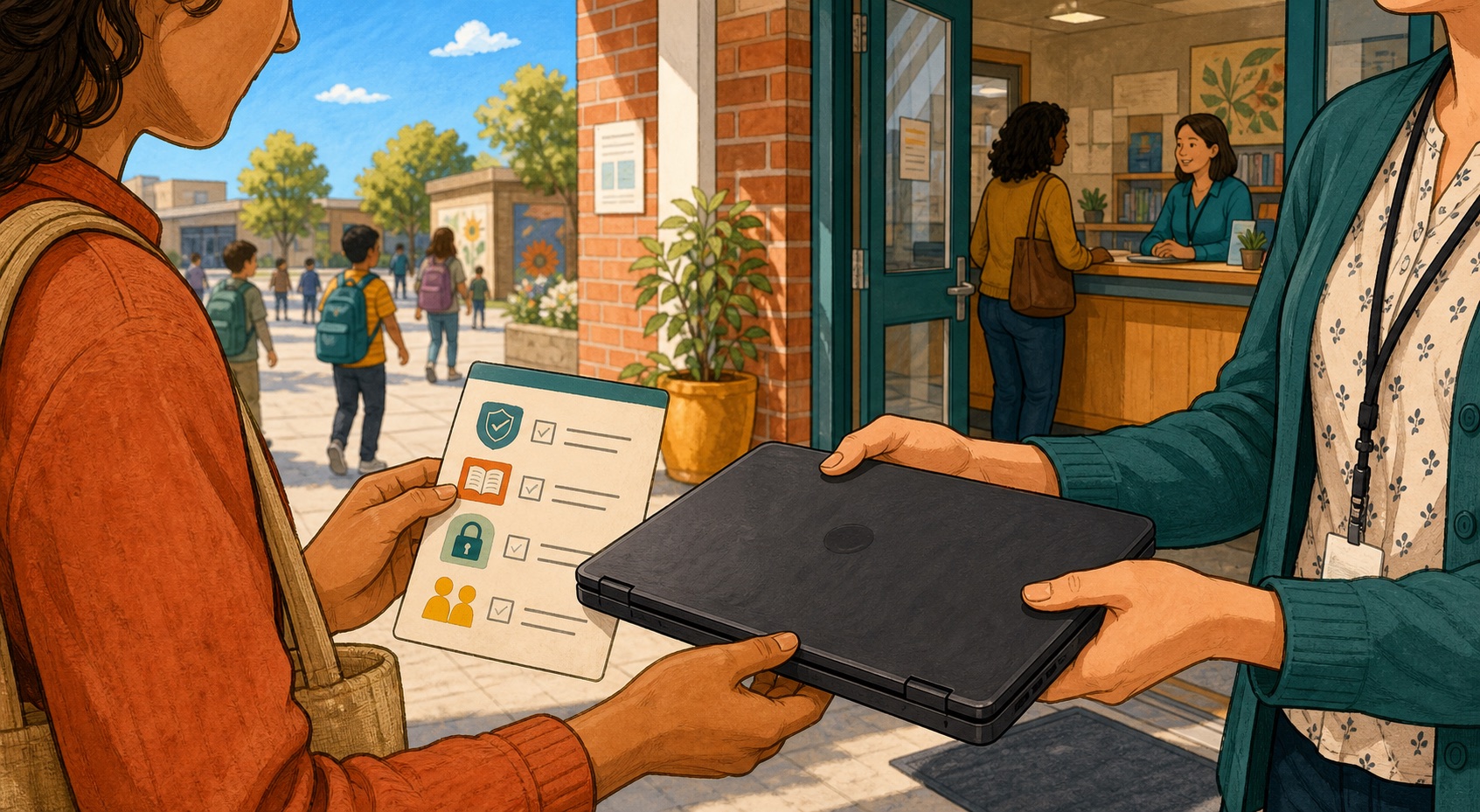
If a school gives your child a laptop, tablet, app, or AI-enabled tool, the family deserves a plain-language receipt. Not a legal memo. Not a slogan. A receipt.
What learning job is this device doing?
What safety boundaries protect the child while they use it?
What happens when the device is distracting, unnecessary, inaccessible, or not the best tool for the lesson?
That is the device purpose receipt.
The first question is the learning question. "What can my child do with this device that they could not do better with paper, conversation, a book, a teacher, or a hands-on task?" Sometimes the answer will be strong. A screen can make a text accessible, connect a student to adaptive practice, let a child create an artifact, or support a disabled student with tools they need. But if the answer is mostly "because that is where the assignment lives," parents should ask for more clarity.
The second question is the protection question. "What student information goes into this tool, who can see it, and what guardrails are in place?" This is especially important as schools experiment with AI tools, monitoring software, learning platforms, and third-party apps. A parent should not need a privacy law degree to understand what happens to their child's work.
The third question is the fallback question. "What is the non-screen option when the screen is not helping?" This question keeps the conversation from turning into a culture war. It lets a parent say, "I am not against technology. I am asking for a learning plan that survives when the tool is not the best fit."
That is the posture Remix Academics wants families to carry. Not panic. Not blind trust. Agency.
Before the first back-to-school meeting, write down one device or app your child used last year that made you uneasy. Then ask for the receipt: purpose, protection, fallback. If the school has a clear answer, good. If not, you have found the next conversation.
Bring that question to SEAT Squad, or ask Tendi to help you turn it into a calm message you can actually send.
FACT-CHECK
- The FCC released a June 4, 2026 fact sheet for a proposed proceeding titled "Ensuring Children's Safe Use of Screens and E-Rate-Funded Services."
- The FCC document says the proposal would seek comment on screen time, online safety, educational purpose, CIPA interpretation, and ways to empower parents, guardians, and teachers.
- The Wall Street Journal reported on June 22, 2026 that parent pushback against school-issued devices and classroom apps is growing in several communities.
Related Remix Guides
AI Safety for Students
A practical guide to AI safety for students, including privacy, bias, hallucinations, age-appropriate use, supervision, and learning integrity.
AI Tools for Homeschool and Hybrid Learning Families
A practical guide to using AI tools in homeschool and hybrid learning with parent oversight, privacy awareness, bias checks, and human support.
Homeschool Laws by State: What Parents Should Check First
A parent-facing checklist for checking homeschool laws by state, official sources, records, attendance, testing, and withdrawal rules.
Turn the signal into action
Discuss This With the SEAT Squad.
The Remix Report tracks the shift. SEAT Squad is where families, teachers, and tutors turn it into questions, referrals, support, and better learning decisions.
Related Articles
An Indigenous Pedagogy Primer every homeschool family should read
A framework from Māori and First Nations traditions that centers learning as relational before it is informational.
guideMeet the Washingtons: building a learning OS from a Baltimore rowhouse
One household. Three kids. One learning architect. A real family figuring it out in real time.
guideAI Literacy Without Outsourcing Thinking: The New Family Skill
The 2026 AI literacy conversation is landing on one clear principle: kids need to learn AI, but they also need deliberate practice in thinking without it.